
text to speech tutorials
10 Best Text-to-Speech Widgets and Plugins for Websites (2026)
A text-to-speech widget adds a small “Listen” button to your articles so visitors can hear your content instead of reading it. It helps people who are commuting, cooking, or multitasking, it makes your site easier to use for readers with low vision or dyslexia, and it keeps people on the page longer.
The problem is that “text to speech” now means many different things. Most search results mix voice generators for video creators with widgets that actually sit on a web page. This guide only covers tools that put a play button on your website and read your published content aloud. We checked every vendor’s live pages, docs, and WordPress.org listing in September 2026, so the prices and limits below are current at the time of writing.
What a Text-to-Speech Widget Is (and What It Is Not)
Three kinds of tools get lumped together, and only one of them is what a site owner usually needs:
- Website TTS widgets and plugins. A script tag or CMS plugin detects the article text, converts it to audio, and shows a player on the page. Visitors listen to your content in place. This is what this guide compares.
- AI voice generators. Tools like Speechify, Murf, or NaturalReader create audio files for videos, podcasts, or personal reading. They do not add a player to your site unless you host the file yourself.
- Browser read-aloud and accessibility overlays. Chrome, Edge, and Safari can read a page if the visitor knows how to turn that on. Overlays bundle a screen reader with contrast and font controls. Neither gives you a visible listen button, analytics, or control over voices.
If you want your readers to see a play button and press it, you need a widget or plugin from the list below.
How We Compared These Tools
For each tool we looked at the same nine things:
- Install method: script tag, WordPress plugin, other CMS plugins, or API.
- Pricing model: per play, per article, per character, licence, or ad-supported.
- Public starting price and whether a free tier or trial exists.
- Languages and voices.
- Analytics for plays and listening behaviour.
- Extras: MP3 download, social sharing, speed control, custom intro and outro.
- Content detection: automatic or manual selectors.
- Who it is built for.
- Plugin health: last update, active installs, and rating on WordPress.org where a plugin exists.
Anything we could not confirm on a vendor’s own page is marked “not documented” rather than assumed.
Quick Comparison
| Tool | Install | Pricing model | Starting price | Languages | Best for |
|---|---|---|---|---|---|
| WebsiteVoice | Script tag, WordPress plugin, guides for Wix, Squarespace, Webflow, Shopify, Blogger, Joomla | New audio plays per day (1 play = 1,000 words) | $9/month, 14-day free trial | 38+ | Bloggers and small publishers who want a flat monthly price |
| Trinity Audio | JS snippet, WordPress plugin (posts only), Ghost, API on paid plans | Credits per article | Free (5 articles/month), Creator from $6.50/month | 125+ | Mid-size to large publishers, audio ad revenue |
| BeyondWords | WordPress, Ghost, Magic Embed script, REST API, SDKs | Credits per character | Contact sales | 74 (docs) | Enterprise newsrooms with monetization needs |
| ReadSpeaker webReader | Script tag, CMS plugins via customer portal | Annual licence | Contact sales | 50+ | Government, education, enterprise accessibility |
| ResponsiveVoice | Script, WordPress plugin, npm, REST API | Characters spoken per month | Free with branding, $9/month without | 51 | Developers and low-budget sites that accept browser-side speech |
| GSpeech | Script tag, WordPress plugin, Joomla extension, Wix, Shopify, Squarespace snippets | Characters generated per month | Free (machine voices), $9.99/month, AI voices from $39.99/month | 68 machine, 98 AI | Multi-CMS sites that want a free tier and many player styles |
| ElevenLabs Audio Native | HTML snippet, API, guides for Ghost, Webflow, Squarespace, Framer, Wix | Credits per character | $22/month (Creator plan) | 70+ | Sites already on ElevenLabs that want top voice quality |
| Listen2It | WordPress plugin, JS embed, API | Credits per word | Free (ad-supported), $19/month | 145+ | Marketers who also want voiceover and dubbing tools |
| Instaread | Embed code, WordPress plugin | Free, ad revenue share | $0 | Not published | Publishers happy to run audio ads for a free player |
| Text To Speech TTS Accessibility (AtlasVoice) | WordPress plugin only | Free (browser voices), Pro licence per site | Free, Pro $59/year | Browser-dependent (free) | WordPress-only sites that want a free plugin with no account |
1. WebsiteVoice
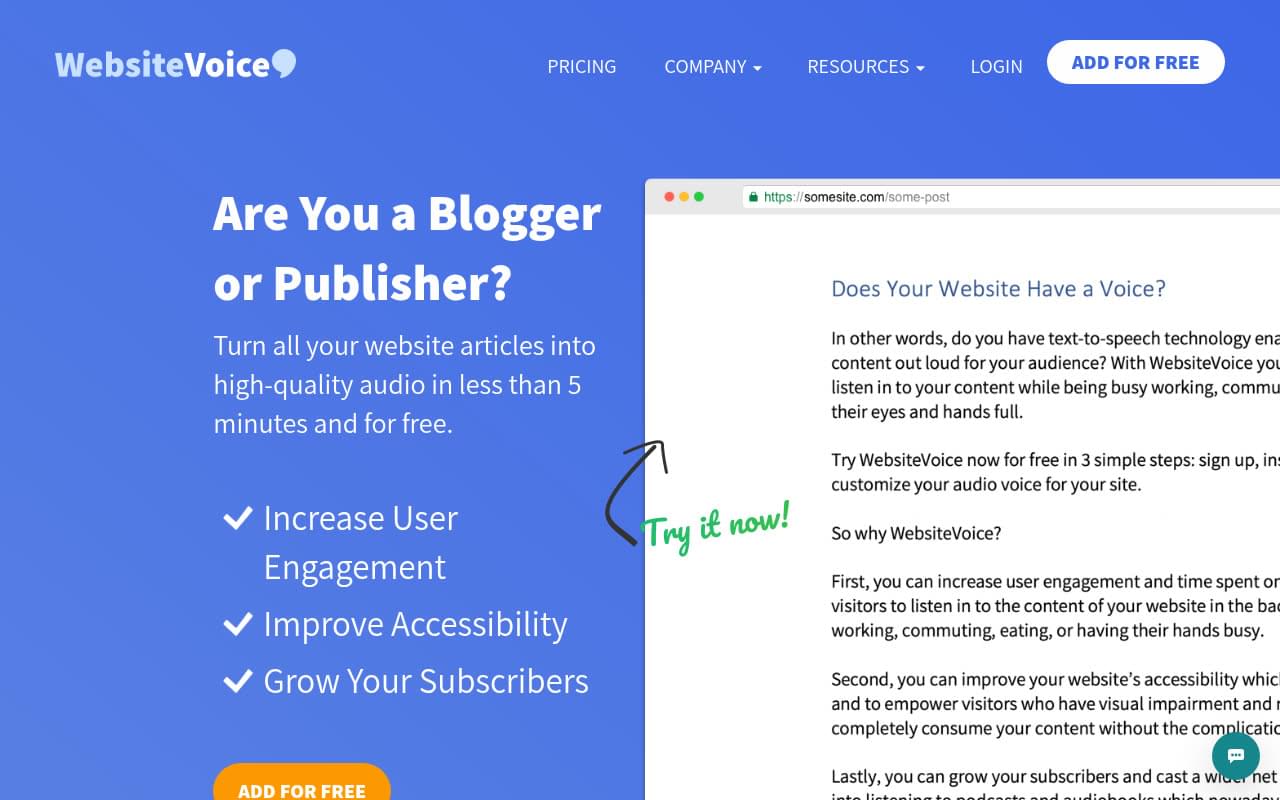
WebsiteVoice is a hosted listen button for blogs and small publisher sites. You add one line of script before the closing body tag, or install the WordPress plugin, and the widget detects the article text on every page automatically. The audio is generated on WebsiteVoice’s servers as MP3, so every visitor hears the same voice regardless of browser or device.
The pricing model is the simplest in this list. You pay a flat monthly fee for a number of new audio plays per day, where one play is about 1,000 words of new text. Replays of an article that has already been converted are unlimited, so a popular post does not cost more as it gets more listeners.
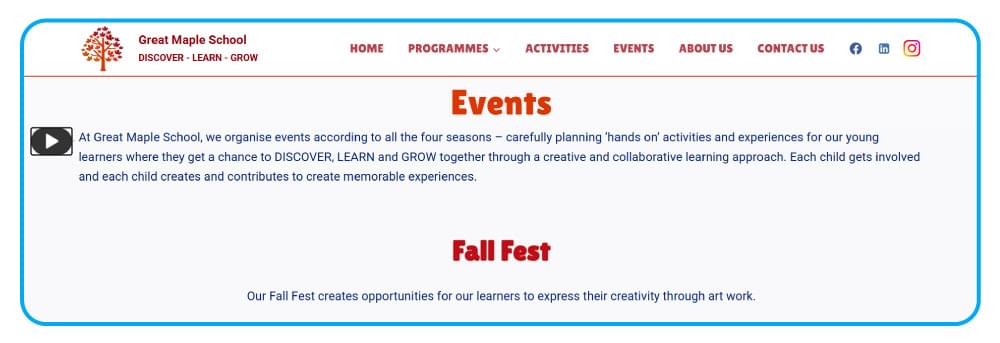
Key features:
- One-line install, plus step-by-step guides for WordPress, Wix, Squarespace, Webflow, Shopify, Blogger, Joomla, Drupal, and Ghost
- Automatic content recognition with a CSS selector fallback, a
wv-ignoreclass to skip elements, and awv-disableoption to turn the widget off on specific pages - 38+ languages with male and female voices
- Plays dashboard with daily stats
- Social share button on every plan, MP3 download, custom intro and outro text, and 80% to 170% speed control on the Professional plan
- Widget colour, style, size, and position customisation
Pricing: Starter $9/month (1 new play per day), Premium $29/month (5 new plays per day, no watermark), Professional $49/month (10 new plays per day, MP3 download, speed control, intro and outro). Every plan starts with a 14-day free trial and no credit card is needed. One account covers one website.
Best for: bloggers, niche publishers, faith and community sites, and small B2B blogs that want a listen button live in a few minutes with a predictable bill.
2. Trinity Audio
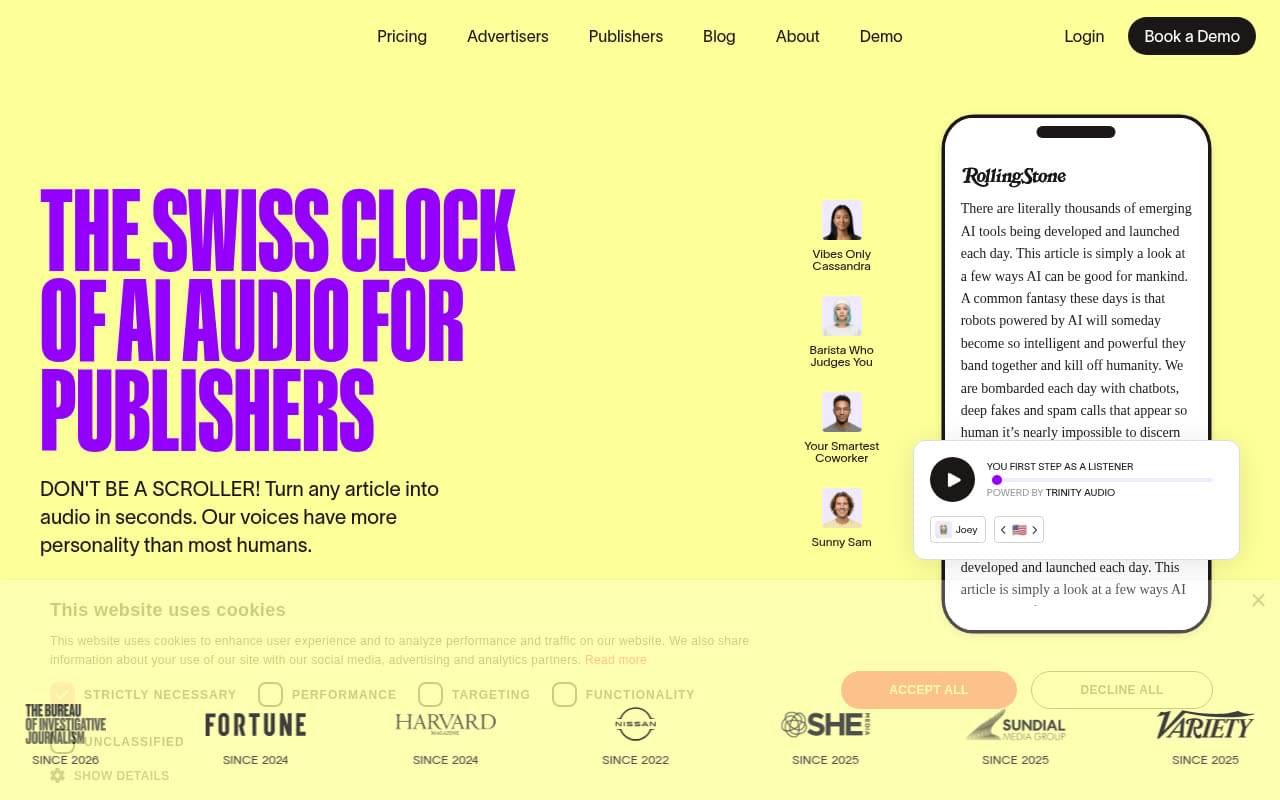
Trinity Audio positions itself as “the Swiss clock of AI audio for publishers” and counts Fortune, Rolling Stone, and Variety among its customers. It installs through a JavaScript snippet or a WordPress plugin, and the plugin currently supports posts only; pages and custom post types need the snippet. Billing is per article: one credit converts one article, and the audio stays live as long as the content does not change. For a head-to-head look, read Trinity Audio vs WebsiteVoice.
The free plan gives you five article conversions per month on one domain, which is enough for a low-volume blog. The self-serve Creator plan scales from 5 to 1,000 articles per month. Publisher and Brand plans are sales-led and add audio ad revenue, a subscription-locked player, AI summaries, voice cloning, and podcast distribution.
Key features:
- 125+ languages and 600+ voices, with real-time translation to six languages
- Downloadable audio and social sharing on all plans
- Listener speed control, floating action button, light and dark themes
- Audio ad revenue and subscription-locked player on the Publisher plan
- Dashboard with statistics and usability reports
Pricing: Free (5 articles/month, 1 domain). Creator from $6.50/month for 5 articles up to $299/month for 1,000 articles. Publisher and Brand on request.
Best for: mid-size and large news publishers that want monetization and a large voice library, and bloggers who publish fewer than five articles a month.
3. BeyondWords
BeyondWords calls itself an “AI audio CMS built for publishers” and is built around ElevenLabs voices. Integration options are the deepest in this list: a WordPress plugin, a Ghost plugin, a single-script “Magic Embed”, an RSS importer, a REST API, JavaScript and mobile SDKs, and guidance for Arc XP, Contentful, Drupal, and Sitecore.
The catch is that there is no public pricing. Every call to action is “Book a demo”, and the pricing page redirects to the demo form. Billing is credit-based at one credit per character, with pay-as-you-go overage.
Key features:
- Word and paragraph highlighting, click-a-paragraph-to-play, sticky player, and a headless option for custom UIs
- MP3 download, shareable audio URLs, playlists, and podcast feeds to Spotify and Apple
- Custom audio intro and outro files
- Pre-roll, mid-roll, and post-roll ads, VAST and Google Ad Manager support
- Plays, engagement rate, retention, and device analytics with a Google Analytics integration
Pricing: contact sales. No free tier or trial is stated publicly.
Best for: enterprise newsrooms and media groups that need monetization, multiple integrations, and a sales relationship.
4. ReadSpeaker webReader
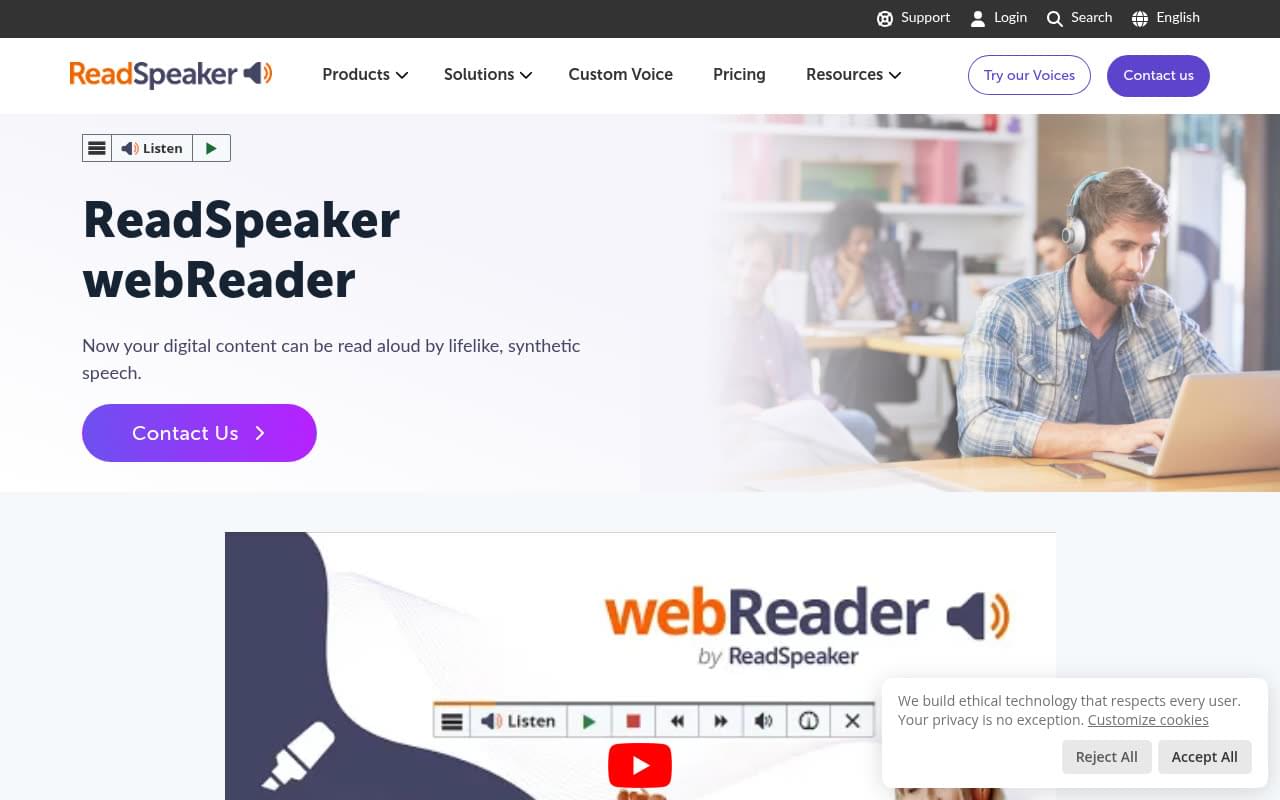
ReadSpeaker has been in the web reading business since 1999 and webReader is the product most often found on government, university, and large public sector sites. It installs with a few lines of JavaScript and a reading area defined by element ID, and CMS plugins for WordPress, Drupal, Joomla, and Typo3 are available from the customer portal after you sign a licence.
webReader is the most complete accessibility toolkit here. Beyond the listen button it offers word highlighting, a page mask, text enlargement, a dictionary, translation of selected text, and form reading, and the player itself is WCAG 2.2 compliant with a published VPAT.
Key features:
- 50+ languages and 200+ voices
- MP3 download, reading speed control, and voice choice for the listener
- Word and sentence highlighting, page mask, text mode, and enlarge text
- Pronunciation dictionaries and custom player styling
- Usage statistics filtered by date, domain, language, and voice
Pricing: annual licence, priced on page views, inhabitants (for governments), or student numbers (for education). Contact sales. No self-serve signup or free tier.
Best for: government, education, and enterprise sites with a formal accessibility mandate and a procurement budget.
5. ResponsiveVoice
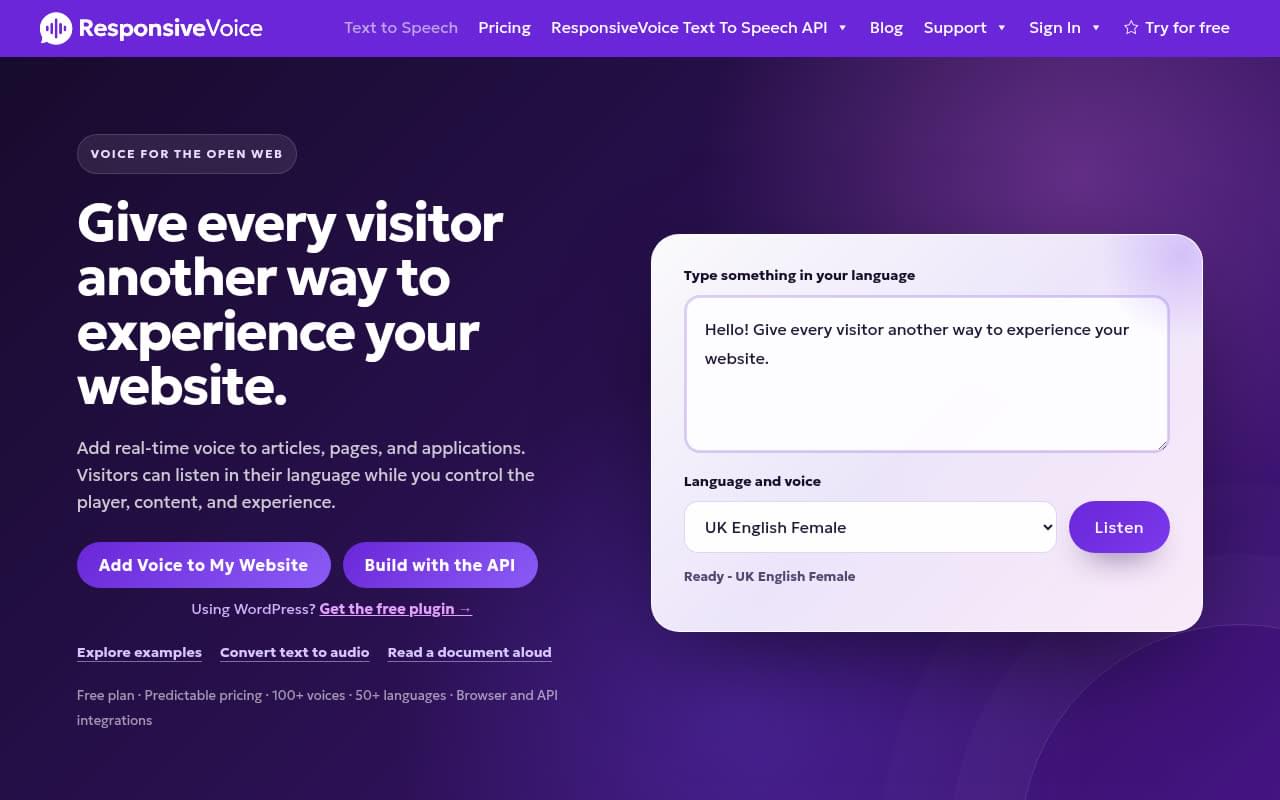
ResponsiveVoice is a JavaScript library that speaks in real time in the visitor’s browser. It offers a script tag, a WordPress plugin, an npm package, and a REST API, so it is popular with developers who want to build their own player. The trade-off is that audio is not generated as a file: there is no MP3 download, iOS needs a user gesture before speech starts, and voice quality can vary by browser and operating system.
The free tier includes one million characters a month on one website with ResponsiveVoice branding on the button. The $9 Starter plan removes the branding, and the Pro plan adds usage reports per site and bring-your-own-key support for cloud voices. We compared the two tools directly in WebsiteVoice vs ResponsiveVoice.
Key features:
- 51 languages and 158 voices out of the box, plus cloud voices via your own API key on Pro
- Web Player with paragraph highlighting, sticky mini-player, and select-text-to-speak
- Speed, pitch, and volume via shortcode (browser-dependent)
- JS library, npm package, and REST API for custom builds
Pricing: Free (1M characters/month, branded). Starter $9/month, Pro $49/month (10 sites, usage reports), Business $149/month.
Best for: developers and hobby sites that want a free, code-level TTS layer and can accept browser-side speech.
6. GSpeech
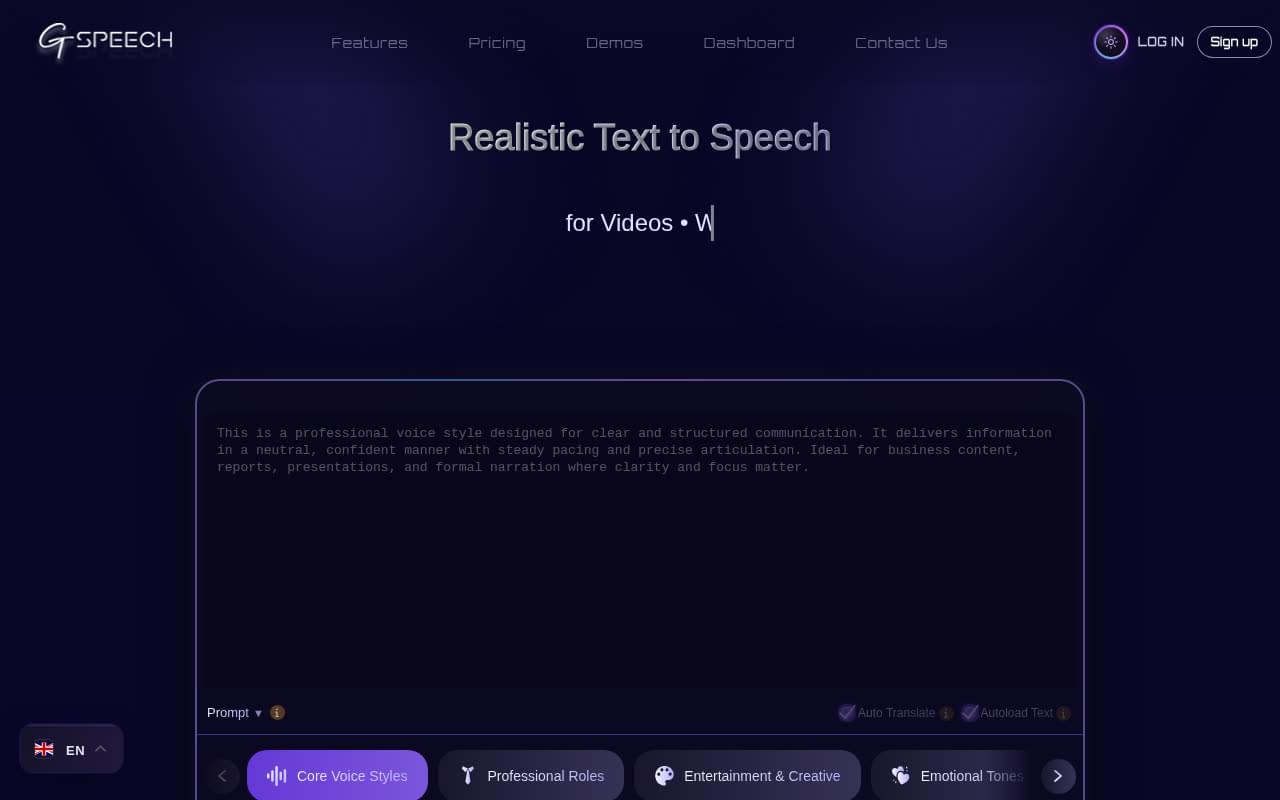
GSpeech converts page text once, caches the audio in the cloud, and replays it without charging again. It works on WordPress, Joomla, Wix, Shopify, Squarespace, and plain HTML through a one-line script, and it has one of the highest-rated WordPress plugins in the category (96/100 from 176 ratings, updated in September 2026).
The free plan is generous on characters but limited to machine voices. Natural AI voices start on the Pro plan.
Key features:
- Multiple player types: full page, button, circle, floating, sticky, and read-highlighted-text
- 300+ AI voices (Google, Gemini, OpenAI) on paid plans, 68 languages on machine voices
- MP3 download from the player and dashboard, speed and pitch tuning
- Content selectors, a
nospeechclass, and automatic regeneration when content changes - Play statistics and usage reports in the Cloud Console
Pricing: Free (50k characters/month, machine voices, up to 10 websites). Personal $9.99/month, Pro $39.99/month (AI voices, 3 websites), Business $79.99/month, up to Agency and Corporate tiers.
Best for: site owners on Joomla, Wix, or Shopify who want a free tier to start and lots of player styles to choose from.
7. ElevenLabs Audio Native
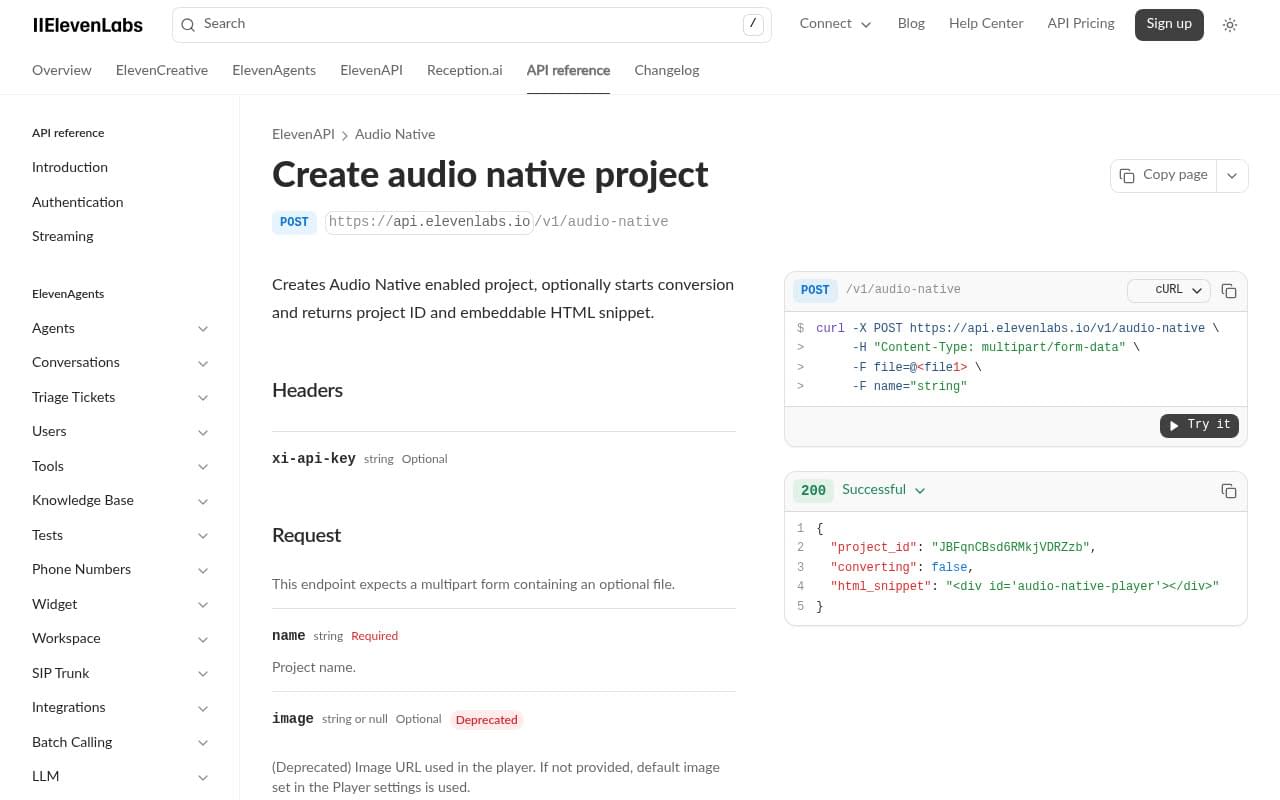
Audio Native is ElevenLabs’ embeddable player. It voices a page automatically or embeds a pre-generated Studio project, and the voice quality is as good as you would expect from ElevenLabs. There is no first-party WordPress plugin; the official guide uses the WPCode plugin to insert the snippet, and there are guides for Ghost, Webflow, Squarespace, Framer, Wix, and React.
Two things to know before you start. Audio Native is only available on the Creator plan and above, so the effective entry price is $22/month. And you must allowlist every URL where the player appears.
Key features:
- Automatic page voicing or embed of a pre-generated project
- 70+ languages on the v3 model, pronunciation dictionaries
- Listener dashboard with engagement metrics
- Background and text colour customisation
Pricing: Creator $22/month (121k credits), Pro $99/month, Scale $299/month. Credits are charged per character generated.
Best for: sites already paying for ElevenLabs that want the same voices on their articles.
8. Listen2It
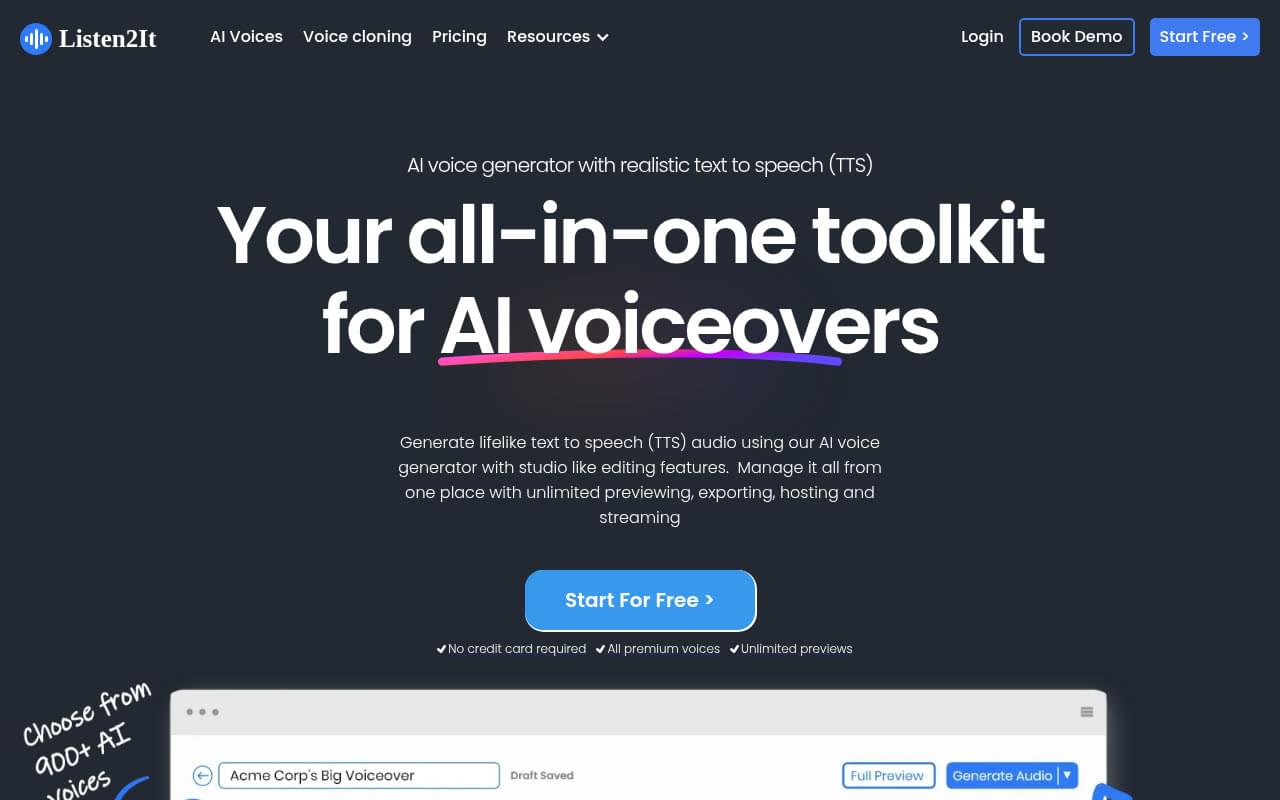
Listen2It started as an audio-article player and now leads with voiceover, voice cloning, and dubbing. The embeddable player is still there through a WordPress plugin and a JS embed, and the plugin supports pages and custom post types, not just posts. The free plan is ad-supported: your visitors will hear a short audio ad before or during the article.
Key features:
- 900+ voices across 145+ languages
- Inline, static, and minimized player layouts with removable branding on paid plans
- Podcast RSS and CDN hosting
- Branded intro and outro and API access on the Team plan
- Audio advertising with VAST support on Enterprise
Pricing: Free (ad-supported). Starter $19/month, Creator $29/month, Team $99/month, Enterprise on request. One credit per word, and re-conversions count toward the quota.
Best for: marketing teams that want one account for voiceovers, dubbing, and an article player.
9. Instaread Audio Player
Instaread is a free player funded by audio advertising. Publishers embed the player, Instaread converts the archive and every new post automatically, and the publisher receives a share of the ad revenue. The exact percentage is not published, and you need to add Instaread to your ads.txt file before your site is approved.
Key features:
- Automatic conversion of posts, pages, and custom post types
- Waveform player with colour customisation and CSS selector placement
- Podcast RSS, playlists, Apple News distribution
- Subscribe-to-listen mode for paywalled content and ad suppression for logged-in subscribers
- Analytics with listener counts, play duration, and geography
Pricing: free, revenue share on audio ads.
Best for: news and magazine publishers who are comfortable running audio ads in exchange for a free player.
10. Text To Speech TTS Accessibility (AtlasVoice)
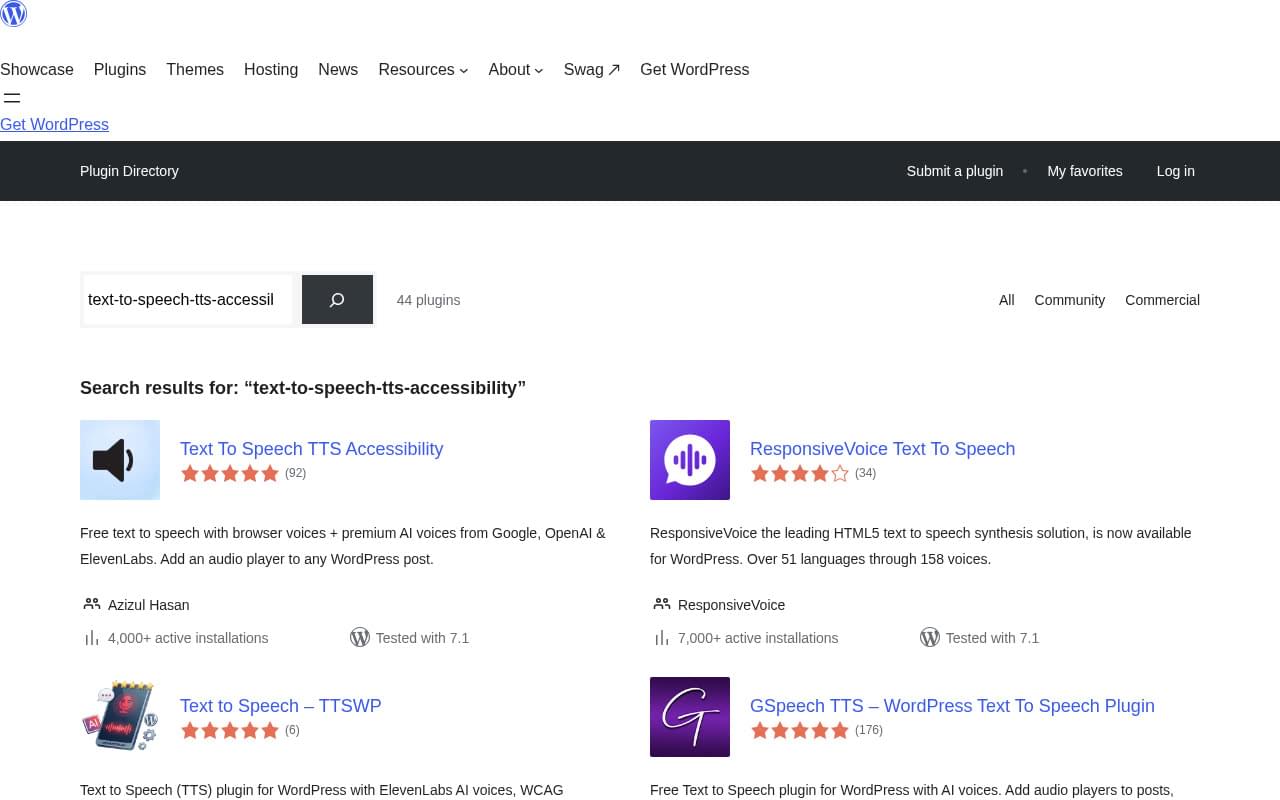
This is a WordPress-only plugin with 4,000+ active installs and a 96/100 rating. The free version uses the browser’s built-in speech engine, so there is no account, no API key, and no character limit, but voice quality depends on the visitor’s browser and device. The Pro version connects to Google Cloud, OpenAI, ElevenLabs, or the vendor’s own AtlasVoice engine and adds MP3 download, audio schema markup, intros and outros, and CSS targeting.
Key features:
- Gutenberg block and shortcode, WooCommerce product descriptions
- Speed, pitch, and volume controls, read-along highlighting
- Play count analytics in free, funnels and device breakdown in Pro
- Pro: bulk MP3 generation, JSON-LD audio schema, intro and outro, six player styles
Pricing: Free on WordPress.org. Pro from $59/year or $199 lifetime for one site.
Best for: WordPress-only sites that want a free listen button today and can live with browser voices.
Also Worth Knowing
- SiteNarrator (formerly SiteSpeaker) is a pay-as-you-go widget with a free browser-voice mode. Its WordPress plugin was last updated in October 2024 and cloud voice rates are not published, so we left it off the main list.
- Play.ht’s WordPress plugin was closed on WordPress.org in March 2024 for a security issue, and PlayAI was acquired by Meta in 2025. If you still have it installed, replace it.
Which Text-to-Speech Widget Should You Choose?
- You run a blog, a niche publication, a church or community site, or a small B2B content hub. Pick WebsiteVoice. Flat pricing, one-line install, guides for every major CMS, and share buttons on every plan.
- You are a newsroom with a sales team and an ad stack. Trinity Audio or BeyondWords. Both add audio ad revenue and podcast distribution, and both will want a demo call.
- You need documented WCAG compliance for a public body or a university. ReadSpeaker webReader.
- You are a developer who wants to build a custom player. ResponsiveVoice or the ElevenLabs API.
- You want free and you are on WordPress. Text To Speech TTS Accessibility for browser voices, GSpeech for a cloud free tier.
- You want free and you are fine with ads. Instaread or Listen2It’s free plan.
How to Add a Text-to-Speech Widget in Under Five Minutes
Here is what the install looks like with WebsiteVoice, which needs no developer.
- Create a free account and enter your website URL.
- Verify that you own the site.
- Copy the script snippet from the dashboard and paste it before the closing
</body>tag of your site, or install the WordPress plugin and paste your site token in its settings. - Choose your default language and voice, then customise the button colour, style, and position.
- Open any article on your site and press play.
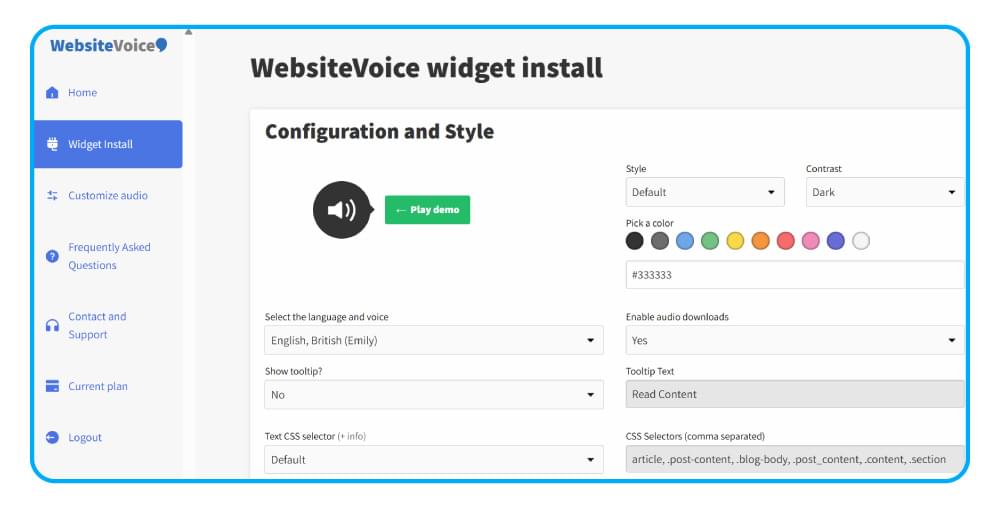
Each platform-specific guide linked above shows exactly where the snippet goes on Wix, Squarespace, Webflow, Shopify, Blogger, Joomla, Drupal, and Ghost.
Conclusion
The right text-to-speech widget depends on who you are, not on which one has the most voices. Small publishers and bloggers get the most value from a flat-priced, hosted widget they can install in minutes. Large newsrooms need monetization and integrations and should expect a sales process. Public bodies should prioritise documented accessibility compliance.
If you fall into the first group, start a free 14-day trial of WebsiteVoice and have a listen button on your site before your next post goes live.
FAQs About Text-to-Speech Widgets
Does a text-to-speech widget slow down my site?
Hosted widgets load asynchronously and generate audio on the vendor’s servers, so the effect on page speed is small. Browser-based tools like ResponsiveVoice do the work on the visitor’s device instead.
Do I need a WordPress plugin, or is a script tag enough?
A script tag works on any platform that lets you edit the site header or footer, including Wix, Squarespace, Webflow, Shopify, and Blogger. A plugin only saves you the copy-and-paste step on WordPress.
Which tools support languages other than English?
All of them do to some degree. WebsiteVoice covers 38+ languages, Trinity Audio 125+, Listen2It 145+, and ReadSpeaker 50+. If you publish in Greek, Spanish, Italian, Indonesian, or Korean, check the voice list for your specific language before you buy. As an example, here is how to set up an Italian text-to-speech widget.
What happens to plays that go over my plan?
It depends on the model. WebsiteVoice counts new text only, so replays never cost extra. Character-based tools charge again if you edit and regenerate an article. Trinity Audio stops showing the player on new articles once your monthly credits run out.
Related:
WebsiteVoice vs ResponsiveVoice: Which TTS Tool is Better?



Improve accessibility and drive user engagement with WebsiteVoice text-to-speech tool